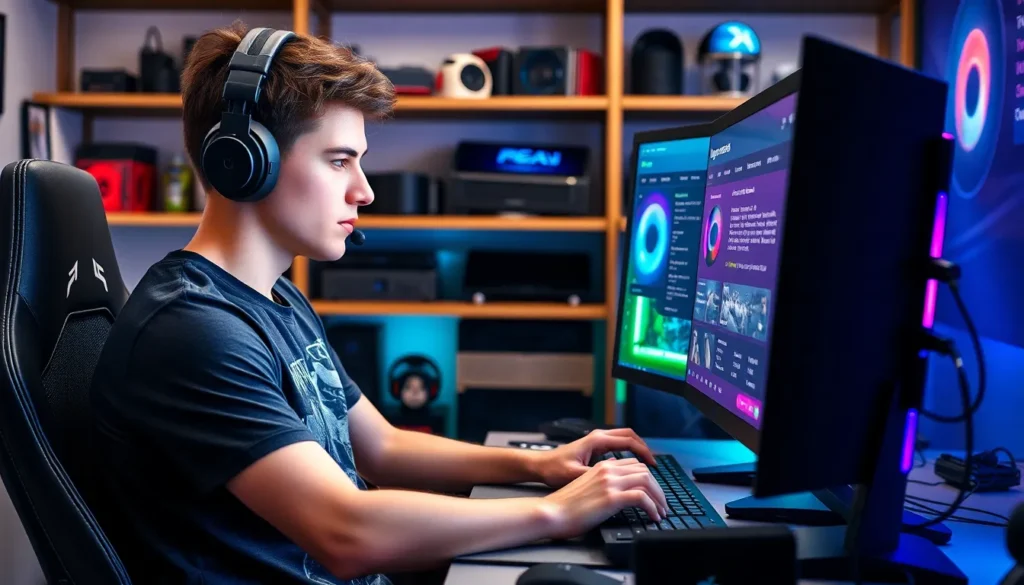
In the fast-paced world of gaming, keeping your rig up to date is as crucial as leveling up your character. A gaming PC that’s lagging behind can turn epic battles into frustrating slogs. But fear not! Updating your gaming PC isn’t as daunting as it sounds. With a little guidance, you can transform your machine from a clunky dinosaur into a sleek, high-speed beast that’ll have you dominating the competition.
Imagine loading your favorite game without those pesky stutters or frame drops. Sounds dreamy, right? Whether you’re looking to boost your graphics card, upgrade your RAM, or simply give your system a little TLC, this guide will walk you through the steps. Get ready to unleash the full potential of your gaming setup and leave your opponents in the dust.
Understanding Gaming PC Upgrades
Updating a gaming PC significantly boosts performance and ensures a smoother gaming experience. Gamers can tackle various upgrades effectively for a top-tier setup.
Importance of Keeping Your PC Updated
Keeping a gaming PC updated enhances gameplay quality. Regular upgrades contribute to higher frame rates, improved graphics, and faster load times. Consistent updates prevent hardware obsolescence and compatibility issues with new games. Gamers experience less lag and more responsive controls when their systems are properly updated. Engaging with the latest software also ensures security improvements. These updates provide critical patches that protect against vulnerabilities.
Common Reasons for Upgrading
Numerous reasons exist for upgrading a gaming PC. Upgrading the graphics card improves visual fidelity and overall performance in demanding games. Increasing RAM supports better multitasking and faster data processing, which benefits gaming and streaming. An SSD upgrade decreases load times dramatically, enhancing the overall gaming experience. Cooling system improvements help maintain optimal temperatures during intense gaming sessions. Upgrading power supplies ensures that all components receive adequate power, thus boosting system stability. Addressing these aspects leads to a more enjoyable and competitive gaming environment.
Evaluating Your Current Setup
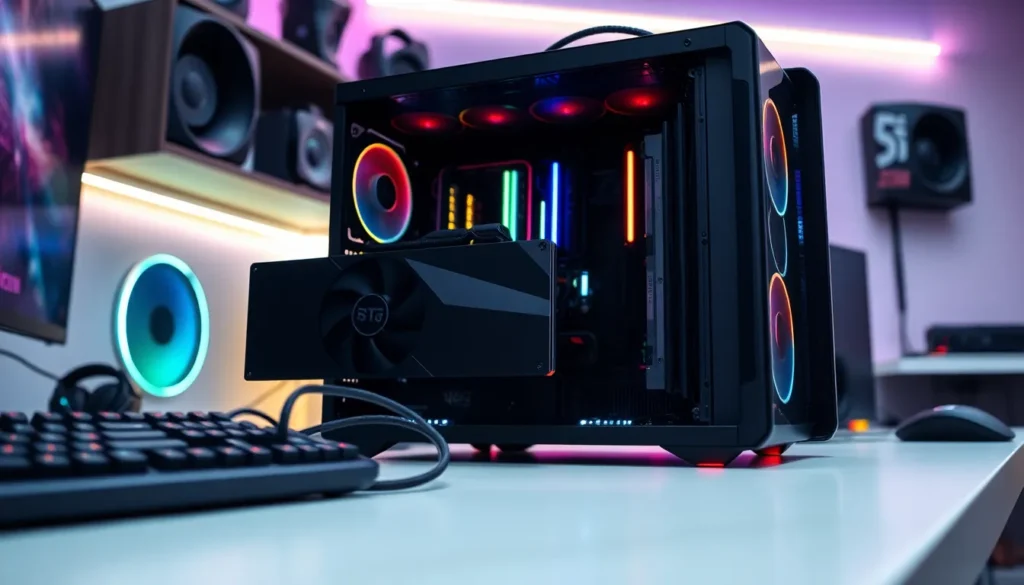
Evaluating a gaming PC setup involves closely examining hardware components and identifying potential performance issues. This assessment helps determine the necessary upgrades for enhanced gaming experiences.
Assessing Hardware Components
Check the CPU, GPU, RAM, and storage. Upgrading the graphics card often leads to significant improvement in visual fidelity. The CPU impacts game load times and processing, while RAM upgrades can facilitate smoother multitasking. Storage solutions matter too; SSDs can drastically reduce loading times. Each component needs to perform optimally to ensure an immersive gaming experience.
Identifying Bottlenecks
Recognizing performance bottlenecks is crucial. Use monitoring software to track CPU and GPU usage during gameplay. High usage readings may indicate a bottleneck, affecting frame rates and overall performance. Evaluate each part systematically, starting with the component showing the highest load. Addressing these issues solves lagging problems, delivering a seamless gaming experience. Keeping performance balanced across components ensures maximum efficiency.
How to Update a Gaming PC Jogametech
Updating a gaming PC significantly enhances performance. Follow these steps to maximize the potential of every component.
Upgrading the Graphics Card
Upgrading the graphics card boosts visual fidelity and frame rates. A new GPU leads to more immersive graphics and smoother gameplay. Popular options include NVIDIA’s RTX series and AMD’s RX line, known for their performance. When selecting a graphics card, consider compatibility with the motherboard and power supply. Installation usually requires removing the old card and securing the new one in place. After installation, ensure the latest drivers are downloaded for optimal performance.
Enhancing Memory and Storage
Enhancing memory and storage greatly impacts multitasking and load times. Upgrading to 16GB or 32GB of RAM allows smoother performance for modern games. Choosing high-speed RAM can also improve responsiveness. Switching to a solid-state drive (SSD) reduces loading times significantly compared to traditional hard drives. When upgrading storage, cloning existing data allows for a seamless transition.
Improving Cooling Systems
Improving the cooling system prevents overheating and prolongs hardware lifespan. Better cooling solutions help maintain optimal functioning during intense gameplay. Options include upgrading CPU coolers or adding case fans for increased airflow. Liquid cooling systems offer efficient thermal management for high-performance setups. When installing new cooling components, ensure proper airflow direction for maximum efficiency. Regular maintenance and cleaning are essential to keep cooling components effective.
Software and Driver Updates
Regularly updating system software and drivers enhances gaming performance and ensures compatibility with the latest titles.
Updating System Drivers
Updating system drivers plays a crucial role in maximizing gaming performance. This process involves checking for updates from hardware manufacturers, such as NVIDIA or AMD for graphics cards. Regular updates typically fix bugs and improve functionality. To update drivers, use the device manager or manufacturer-specific software. Automated tools like GeForce Experience or AMD Radeon Software simplify this process. Gamers should install updates for all key components including the sound card, network adapter, and motherboard to ensure smooth gameplay. Outdated drivers can lead to crashes and significant lag, negatively impacting the overall gaming experience.
Optimizing Game Settings
Optimizing game settings allows for a tailored gaming experience. Each game provides various graphical options, such as texture quality, shadow detail, and resolution. Adjusting these settings can lead to improved frame rates and reduced input lag. Lowering the resolution can significantly enhance performance on less powerful hardware. Reduce visual effects to prioritize frame rates over graphics fidelity. Additionally, enabling features such as V-Sync and adjusting FOV can contribute to a more stable experience. Finding the perfect balance between quality and performance often requires experimentation with different settings for optimal playability in various gaming scenarios.
Tips for Successful Upgrades
Upgrading a gaming PC involves strategic planning and informed decisions. Following these key tips can help ensure successful results.
Budgeting for Upgrades
Allocating funds for upgrades is essential for achieving the desired performance. Gamers should determine a budget that factors in the required components, aiming for quality over quantity. Setting priorities is crucial; if visual fidelity is important, investing in a high-quality graphics card deserves attention. For those focused on multitasking, enhancing RAM can yield significant improvements. Researching prices and comparing options ensures value, considering both new and used components. Balancing performance gains with budget constraints leads to sound financial choices. Monitoring sales or discounts further optimizes spending, supporting ongoing investment in gaming setups.
Seeking Professional Help vs. DIY
Deciding between professional assistance or a DIY approach depends on individual comfort levels and technical skills. Many gamers prefer tackling upgrades themselves, benefiting from online tutorials and community support. If confidence in technical abilities is low, consulting a professional can ensure proper installation and compatibility. Professionals also offer insights into optimal setups, which can enhance performance. DIY enthusiasts save on labor costs and gain valuable experience. Evaluating the complexity of the upgrade, such as installing a new graphics card compared to a full motherboard replacement, informs the decision. Consideration of time constraints also plays a role, as professional help provides efficient solutions for busy gamers.
Conclusion
Updating a gaming PC is crucial for maintaining an edge in performance and ensuring a smooth gaming experience. By focusing on key components like the graphics card RAM and storage solutions gamers can significantly enhance their setup. Regular upgrades not only improve gameplay visuals but also prevent potential compatibility issues with new titles.
It’s essential to evaluate the current system to identify bottlenecks and prioritize upgrades accordingly. Whether opting for DIY enhancements or professional assistance careful planning and budgeting will lead to optimal results. Embracing these updates will ultimately create a more enjoyable and competitive gaming environment.